


Virgin Media Customers
Because Every Home and Business Deserves Real Cybersecurity.
Virgin Media customer? Don’t worry — we’re here to help.
Virgin works a bit differently from other providers — but your Firegate Security Box still works perfectly.
Virgin Media
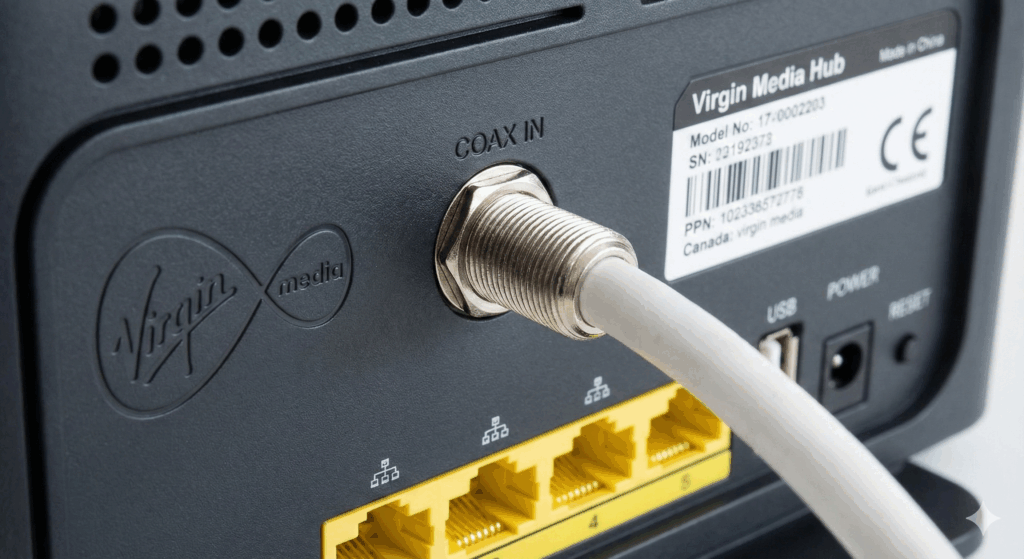
Virgin Media uses coaxial cables, not standard fibre or DSL. Because of this, you must use the Virgin Hub — you can't plug your own router or security box directly into the wall.
Unlike other providers, Virgin's Hub is locked and acts as both a modem and router. Even if "modem-only mode" is available, the Hub must always be first in the chain.
Fiber Cable Providers
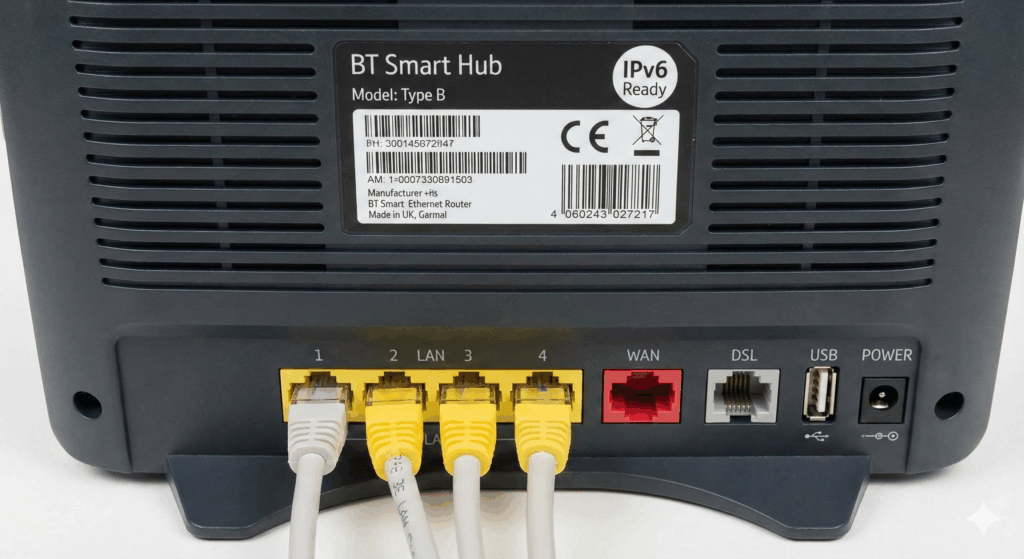
Fibre broadband providers like BT, EE, Sky, and Vodafone use fibre-optic or DSL cables that connect directly to your home through a standard wall socket or Openreach box.
These connections usually go into a separate modem or router — and that’s what makes them different from Virgin.
1. Keep Your Virgin Hub
Virgin uses coaxial (TV-style) cables, so the Virgin Hub must remain the first device in your network. You cannot replace it, but you have to switch to modem mode.
2. Plug In Your Firegate Box
Connect the Firegate box to the Virgin Hub using a standard Ethernet cable. This allows traffic to be scanned and filtered.
3. Add Your Own Router
Connect your own WiFi router to the Firegate box. This ensures all your devices go through the protection system.
4. You're Fully Protected
Every device in your home is now protected — with real-time filtering, deep packet inspection, and zero configuration required.
